
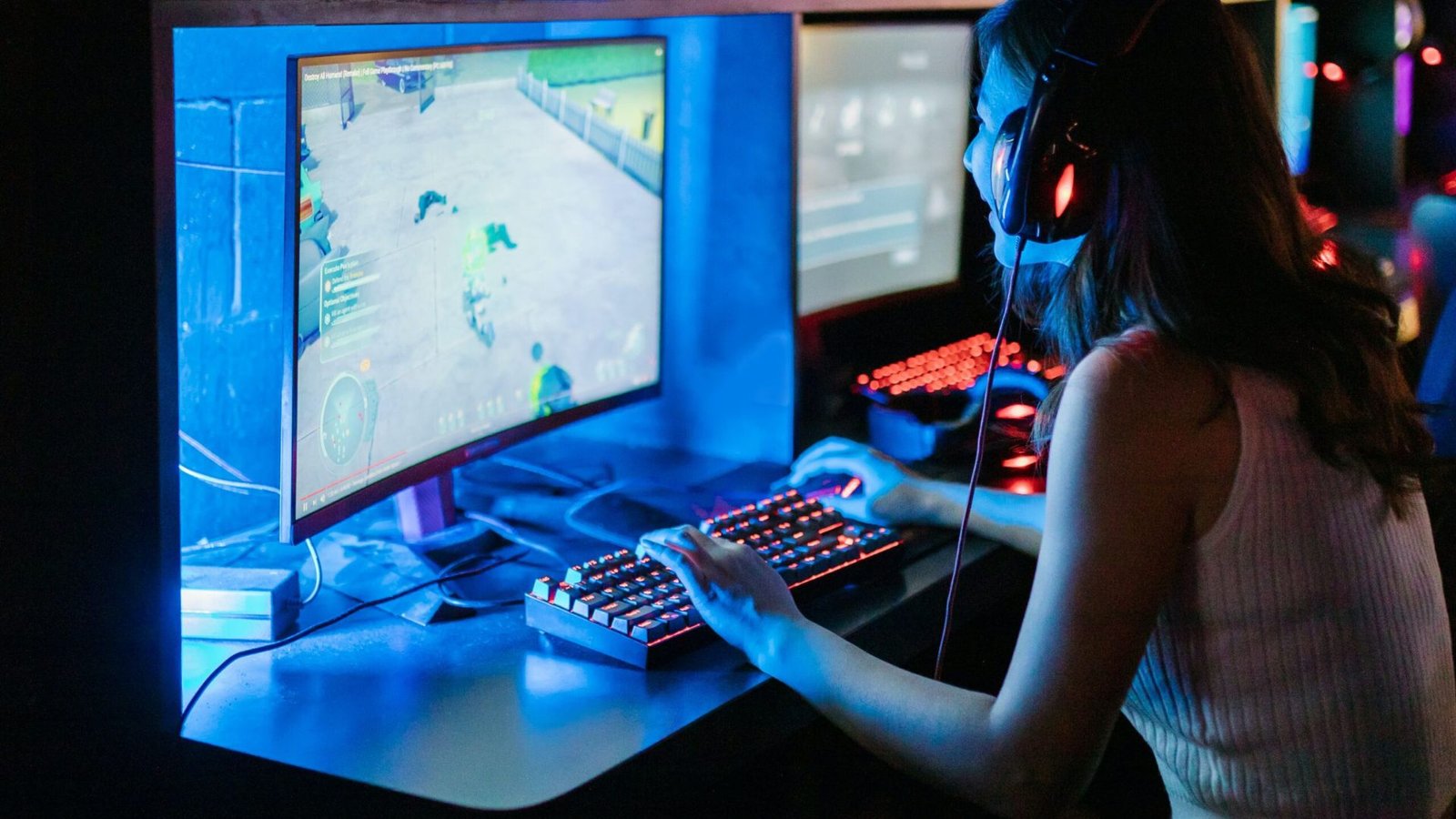
How to Master Video Game Streaming on Twitch

Streaming video games on Twitch has become a popular way to share gameplay experiences, build a community, and even earn money. Whether you’re a casual gamer or an aspiring professional, mastering Twitch streaming takes dedication, the right equipment, and a strategic approach. Here’s a comprehensive guide to help you master video game streaming on Twitch.
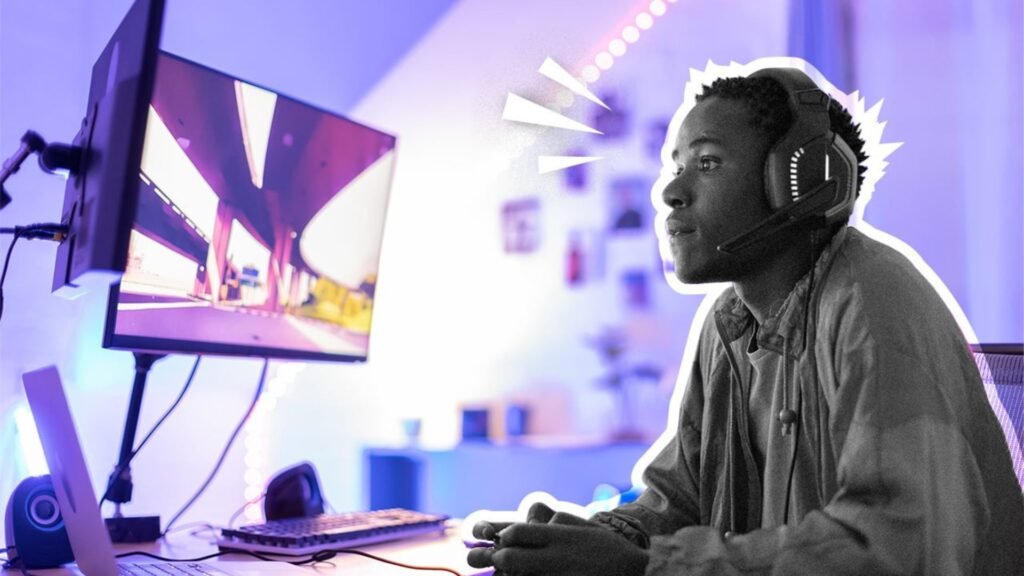
Steps to Master Video Game Streaming on Twitch
1. Set Up the Right Equipment
High-Quality PC/Console: Ensure you have a gaming PC or console capable of running your chosen games smoothly while streaming.
Webcam and Microphone: Invest in a high-quality webcam and microphone. Clear visuals and audio are essential for engaging streams.
Streaming Software: Use reliable streaming software like OBS Studio, Streamlabs OBS, or XSplit to broadcast your gameplay.
Stable Internet Connection: A high-speed internet connection is crucial. Aim for an upload speed of at least 5 Mbps for a smooth streaming experience.
2. Customize Your Stream Layout
Overlays and Alerts: Create custom overlays and alerts to enhance the visual appeal of your stream. Use tools like StreamElements or Streamlabs to customize your alerts, chat box, and widgets.
Branding: Develop a consistent brand with a unique logo, color scheme, and graphics. This helps you stand out and creates a professional appearance.
3. Choose the Right Games
Popular Games: Streaming popular games can attract more viewers, but you’ll face higher competition.
Niche Games: Playing niche games can help you build a dedicated community with less competition.
Variety: Mix popular and niche games to keep your content fresh and attract a diverse audience.
4. Engage with Your Audience
Interactive Chat: Engage with your chat by responding to messages, asking questions, and encouraging interaction.
Regular Schedule: Establish a consistent streaming schedule so your audience knows when to tune in.
Community Building: Create a community on social media and Discord where viewers can interact with you and each other outside of streams.
5. Promote Your Stream
Social Media: Use platforms like Twitter, Instagram, and Facebook to announce your streaming schedule, share highlights, and connect with your audience.
Collaborate: Collaborate with other streamers to reach new audiences and build a supportive network.
Networking: Participate in Twitch communities and forums to share your stream and engage with potential viewers.
6. Improve Your Skills
Gameplay: Continuously work on improving your gameplay skills to provide entertaining and high-level content.
Streaming Techniques: Learn new streaming techniques, such as adding special effects, creating engaging intros, and using multiple camera angles.
Feedback: Pay attention to viewer feedback and make adjustments to improve the quality of your streams.
7. Monetize Your Stream
Twitch Affiliate and Partner Programs: Aim to qualify for Twitch’s Affiliate and Partner programs to earn revenue through subscriptions, ads, and bits.
Donations and Sponsorships: Set up donation links and seek sponsorships from brands that align with your content.
Merchandising: Sell branded merchandise to your loyal viewers to create additional revenue streams.
Conclusion
Mastering video game streaming on Twitch requires a combination of technical know-how, engaging content, and community-building efforts. By following these steps and staying dedicated to improving your stream, you can grow your audience and create a successful Twitch channel.


188v bet
188v bet đầu tư mạnh mẽ vào hạ tầng máy chủ đặt tại các trung tâm dữ liệu lớn toàn cầu, đảm bảo đường truyền luôn thông suốt và không bị ảnh hưởng bởi yếu tố địa lý. TONY04-01
trang chủ 66b
Slot tại trang chủ 66b có âm thanh tùy chỉnh – tắt/mở hiệu ứng, nhạc nền theo ý muốn, phù hợp mọi không gian. TONY04-25